Alienware 25 Gaming Monitor: The Ultimate Competitive Edge for Esports Players in 2026
If you’ve ever watched a professional esports tournament, you’ve probably noticed the competitors leaning back from their monitors with laser focus, tracking enemies with precision that seems almost superhuman. That’s not magic, it’s hardware. A 25-inch gaming monitor with the right specs can be the difference between a headshot and a respawn. The Alienware 25 has become a staple in competitive gaming setups, and for good reason. With high refresh rates, minimal input lag, and a design purpose-built for esports, these monitors aren’t just nice to have, they’re a legitimate competitive advantage. This guide breaks down what makes the Alienware 25 stand out, who should buy one, and whether it’s worth the investment for your specific gaming needs.
Key Takeaways
- Alienware 25 gaming monitors deliver 240Hz–360Hz refresh rates and 1ms response times, providing a tangible competitive advantage in esports like Counter-Strike 2 and Valorant.
- The 1440p resolution on Alienware 25 monitors strikes an optimal balance between sharp visuals and GPU efficiency, making 240+ fps achievable on RTX 4070 or RTX 4080 graphics cards.
- Alienware 25 models feature minimal input lag (1–3ms) and robust ergonomic adjustability—including height, tilt, and VESA mounting compatibility—reducing eye strain during long gaming sessions.
- Pricing ranges from $280–$500 depending on panel type and specs; competitive FPS gamers should prioritize this investment, while casual players on older GPUs may benefit from more affordable alternatives.
- Dual HDMI 2.1 and DisplayPort 1.4 inputs enable seamless multi-device support across PC, PS5, and Xbox Series X|S, with customizable profiles through Alienware Command Center software.
- The Alienware 25 excels in both competitive esports and single-player titles, with IPS panel options offering 99% sRGB color accuracy for vibrant visuals in story-driven games.
What Makes Alienware 25 Monitors Stand Out
Display Technology and Refresh Rates
The heart of any gaming monitor is its refresh rate, and Alienware’s 25-inch lineup doesn’t mess around. Most models in this category ship with 240Hz or 360Hz refresh rates, a massive difference from standard 60Hz office monitors. At 240Hz, you’re getting a new frame every 4.17 milliseconds. At 360Hz, that drops to just 2.78ms. For competitive shooters like Counter-Strike 2, Valorant, or Apex Legends, this matters. A lot.
There’s also the response time to consider. The best Alienware 25 monitors hit 1ms response time (gray-to-gray), which is fast enough to eliminate ghosting when you’re whipping your crosshair across the screen. The panel technology varies, you’ll see TN (Twisted Nematic) and IPS options. TN panels are faster and traditionally cheaper but sacrifice color accuracy. IPS panels give you better colors and viewing angles while keeping response times competitive.
Input lag is another critical metric that separates gaming-specific monitors from general displays. Alienware’s competitive 25-inch models typically achieve input lag in the 1–3ms range, meaning there’s barely any delay between your mouse click and the monitor displaying that action. That’s the kind of responsiveness that can turn a 1v5 clutch into a reality instead of a dream.
Color Accuracy and Visual Quality
Here’s where things get nuanced. Competitive gaming doesn’t require color-perfect displays like professional photo editing does, but Alienware’s 25-inch monitors don’t skimp on this either. Models with IPS panels typically cover 99% of the sRGB color gamut, delivering vibrant, consistent colors across the entire screen.
Peak brightness on these monitors usually sits between 300–400 nits in SDR (Standard Dynamic Range), which is more than enough to combat glare in well-lit rooms. For HDR gaming, certain Alienware 25 models support higher brightness peaks, though 25-inch HDR gaming monitors are less common than their 27-inch counterparts.
The 1440p resolution on most Alienware 25 monitors strikes a sweet spot. It’s sharp enough for competitive gaming (text legibility isn’t an issue at this size and distance), while not demanding as much GPU horsepower as 1440p on larger screens. If you’re running an RTX 4070 or RTX 4080, hitting consistent 240+ fps at 1440p is totally achievable in most modern titles.
Design and Build Quality
Alienware’s Signature Aesthetics
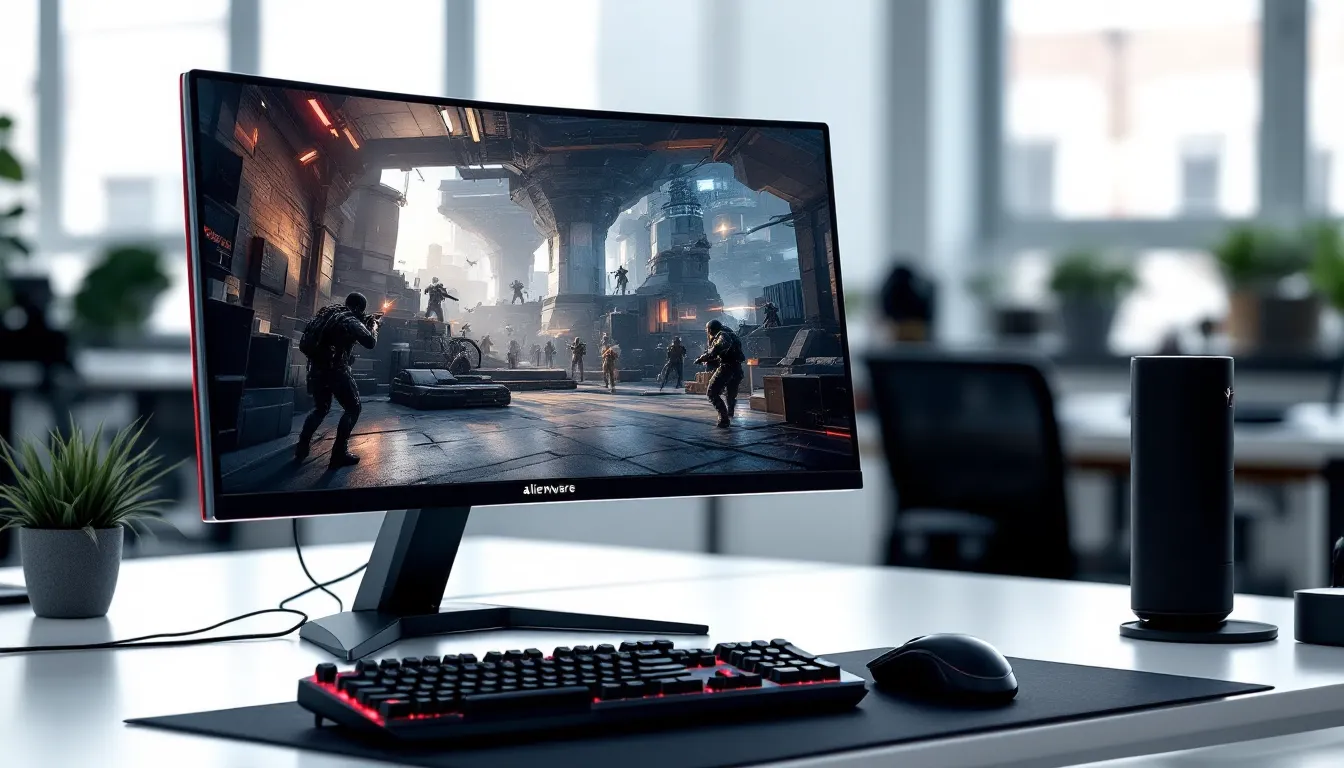
Alienware monitors are instantly recognizable. The angular, alien-head logo and aggressive design language have become synonymous with gaming hardware. The bezel is minimal on modern Alienware 25 monitors, usually sitting around 4–5mm, which means you get maximum screen real estate without excessive border distraction.
Build quality is solid across the lineup. The stand is sturdy and won’t wobble under normal use (important when you’re slamming your desk after a ranked loss). Panels feel premium, and the plastic construction doesn’t feel cheap or hollow. Alienware clearly invests in materials that survive tournament use and casual gaming alike.
RGB lighting is included on most models, usually positioned around the back of the monitor stand and can be customized through Alienware’s Command Center software. You can sync it with other Alienware gear if you’re building a coordinated rig. If RGB isn’t your thing, it can be toggled off entirely, no complaints there.
Ergonomic Features and Adjustability
You’re going to spend hours in front of this monitor, so ergonomics matter more than aesthetics. Alienware’s 25-inch monitors include height adjustment (typically 100–150mm of vertical movement), tilt (around ±20 degrees), swivel (±30 degrees), and pivot (90-degree rotation) on most models. This gives you serious flexibility to dial in the perfect viewing angle.
VESA mount compatibility (usually 100x100mm) means you can ditch the stand entirely if you prefer an arm mount, which is what many serious competitive gamers do. An articulating monitor arm frees up desk space and lets you position the screen exactly where you want it.
The stand height and positioning make a difference for posture and eye strain. Being able to adjust your monitor to eye level, or slightly below, reduces neck strain during long gaming sessions. Some players prefer the monitor slightly lower to encourage a more “neutral” head position, especially if they’re playing FPS games that benefit from higher sensitivity and faster head movements.
Cable management isn’t revolutionary, but Alienware’s 25 monitors have a discrete routing channel to keep your desk from looking like a spaghetti factory. Small detail, but it matters when you’re streaming or recording.
Performance for Different Gaming Genres
Competitive Esports Performance
This is where the Alienware 25 absolutely shines. In tactical shooters like Counter-Strike 2 and Valorant, the 240Hz or 360Hz refresh rate combined with sub-3ms response time gives players a tangible advantage. Flick accuracy improves because your target acquisition and tracking are silky smooth. Professional players at tournaments like VCT (Valorant Champions Tour) and ESL Pro League almost universally use high-refresh gaming monitors, many of them Alienware 25s.
Reaction time games benefit enormously from these specs. The lower input lag and higher refresh rate mean your inputs are reflected on screen faster, which compounds over thousands of actions during a match. In a 30-round match of CS2, even a 10ms advantage over your opponent adds up.
Large competitive communities have standardized around 240Hz as the “new minimum” for serious play, though 360Hz is increasingly the preferred target if your GPU can push those frames. Recent benchmarks show that competitive gaming hardware reviews demonstrate measurable performance differences at these refresh rates, especially in precision-demanding titles.
Single-Player and Cinematic Gaming
For narrative-driven games, story-heavy titles, and open-world exploration, the Alienware 25’s strengths are different but still compelling. The color accuracy (especially on IPS models) makes story games look stunning. Games like Baldur’s Gate 3, Alan Wake 2, and Starfield benefit from vibrant, accurate colors and smooth frame delivery.
Since most single-player games don’t demand 360Hz frame rates, you won’t be pushing your GPU to the max. This means you can enable ray tracing, crank settings to ultra, and still enjoy stable frame rates on an RTX 4070 or RTX 4080. At 1440p, you can comfortably hit 60–100+ fps in most modern AAA titles with high or ultra settings.
The 25-inch size is also ideal for single-player gaming. You’re close enough that the resolution feels crisp and detailed, but the smaller screen means you don’t have to swivel your eyes as much to take in the entire game world. It’s a more intimate experience than a sprawling 32-inch 4K monitor, which some players genuinely prefer.
Connectivity and Compatibility
Ports and Input Options
Alienware’s 25-inch monitors typically feature dual HDMI 2.1 and DisplayPort 1.4 inputs. The DisplayPort connection is crucial for hitting 1440p at 240Hz or 360Hz without bandwidth limitations. HDMI 2.1 can also support these specs, but DisplayPort is the gold standard for high-refresh gaming on PC.
Most models include USB 3.0 hub functionality, with 2–4 USB ports on the back of the monitor. Convenient for charging peripherals or connecting a keyboard/mouse through the monitor’s power cable rather than taking up separate USB slots on your tower. Some high-end models add USB-C with Power Delivery, which is great if you’re connecting a laptop.
Audio through a 3.5mm jack is included, though Alienware monitor speakers are notoriously weak. Almost every competitive gamer uses a separate headset anyway, so this is a non-issue in practice. The lack of built-in speakers frees up space and keeps the design clean.
If you’re using console gaming, be aware that Alienware 25 monitors are primarily built for PC. Most support up to 240Hz via HDMI on PS5 and Xbox Series X
|
S, though you’ll need compatible HDMI 2.1 cables and the right settings. Mobile and Switch users will have a harder time: the lack of USB-C on most models means you’d need an adapter.
Multi-Device Support
Swapping between PC, console, and other devices is seamless thanks to the multiple input options. You can have a PC connected via DisplayPort and a PS5 via HDMI 2.1, then toggle between them using the monitor’s input button or OSD menu. TechRadar reviews often highlight multi-input capability as a key feature for gaming setups that span multiple platforms.
Alienware’s Command Center software (for PC) lets you save custom profiles for different games. You can customize response curve, brightness, RGB lighting, and more on a per-game basis. On console, the settings revert to what’s stored directly on the monitor, so you lose some granularity, but it still works.
For streaming and content creation, the multi-input setup is valuable. You can have your gaming console on one input and a laptop or PC streaming software on another, making it easy to switch focus without disconnecting cables. This is especially useful for streamers who want to play while monitoring chat or alerts on a secondary input.
Pricing, Value, and Where to Buy
Investment Considerations
Alienware 25 gaming monitors typically range from $280 to $500+ depending on the panel type, refresh rate, and feature set. A solid 1440p 240Hz TN panel model sits around $300–$350, while an IPS 360Hz version with premium color accuracy can push $450–$500.
That’s a meaningful investment, but context matters. If you’re serious about competitive gaming, this is one area where spending more genuinely translates to performance. A top-tier gaming mouse costs $60–$100. A solid mechanical keyboard runs $100–$200. A gaming monitor is something you look at for 4–8 hours a day, every single day. The long-term value proposition is strong.
Consider your GPU capability when deciding which model to buy. If you’re running an RTX 4070 or RTX 4080, a 240Hz or 360Hz Alienware 25 makes perfect sense. If you’re on an RTX 4060, you might struggle hitting 240+ fps at 1440p high settings, and a 144Hz monitor would serve you better, or jump to a cheaper 25-inch 180Hz option and save $100.
Warranty and support are solid from Alienware. You typically get 3 years of limited hardware warranty, which covers manufacturing defects. If your panel fails or the stand breaks, Alienware handles replacements without too much friction.
Alternatives and Comparisons
Competitors in the 25-inch space include ASUS ROG Swift, BenQ XL, and LG UltraGear. Each brand has strengths. PCWorld gaming hardware guides often compare these options side-by-side, and the differences come down to specific preferences around panel type, RGB customization, and design.
ASUS ROG Swift 25-inch monitors (like the PG258QXA) are similarly specced and sometimes cheaper. The main difference is aesthetic and software ecosystem, ASUS’s Aura RGB integration and ROG branding appeal to some, while others prefer Alienware’s design and Command Center software.
BenQ’s XL2546X is a competitor at the 240Hz level, with a focus on esports neutrality and minimal distractions. It’s a great option if you dislike flashy RGB and want pure gaming performance.
LG UltraGear 25-inch models (like the 27GN650) offer excellent value at lower price points, though they typically max out at 240Hz rather than 360Hz. If you’re budget-conscious and don’t need 360Hz, LG is a smart alternative.
The real tiebreaker often comes down to ecosystem. If you’re already invested in Alienware peripherals (headset, keyboard, mouse), buying an Alienware monitor makes sense for unified RGB lighting and software. If you’re starting fresh, compare the specs directly and pick based on panel type, refresh rate, and price.
Conclusion
The Alienware 25 gaming monitor is a legitimate piece of competitive hardware. If you’re serious about esports, playing at a level where frame rate and response time matter, or simply want a smooth, responsive display for all your gaming, this monitor delivers. The 240Hz–360Hz refresh rates, 1ms response times, and minimal input lag create a genuinely better gaming experience compared to standard displays.
The decision to buy isn’t about whether Alienware’s 25 is “the best”, it’s whether the spec sheet matches your hardware, your gaming goals, and your budget. A competitive FPS player with an RTX 4080 should absolutely consider it. A casual single-player gamer on a GTX 1660 probably shouldn’t. Most serious PC gamers fall somewhere in between, and for them, the Alienware 25 is a no-brainer investment that’ll feel worthwhile for 3–5 years of heavy use.
What matters most is that you’re making an informed choice based on your actual needs, not hype. This guide gives you the specs and context to do exactly that.